How to post to TikTok and Instagram from Claude
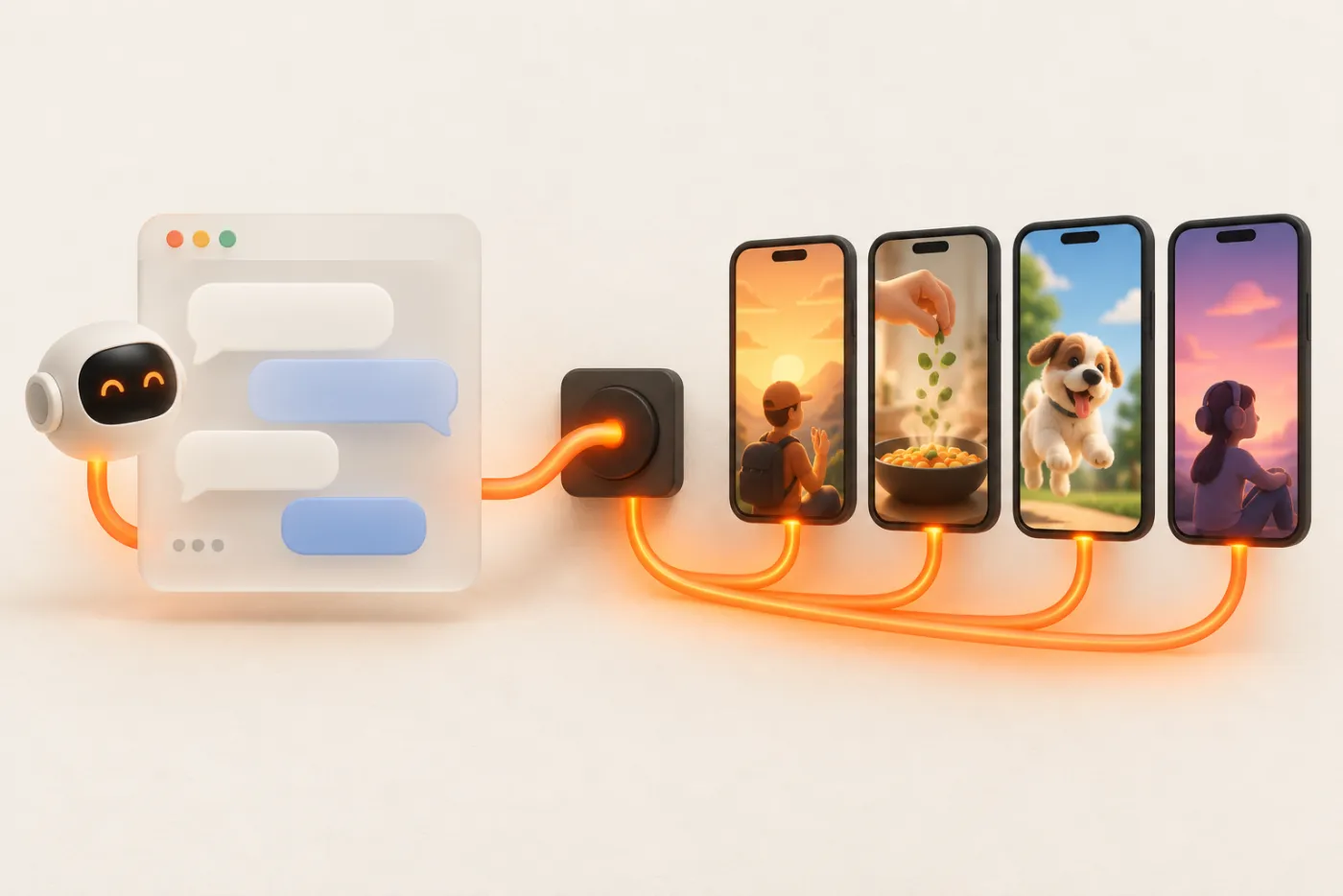
Claude can schedule your UGC for you. Connect UGC API once, and you can ask Claude to post a video to TikTok, turn a slideshow into an Instagram carousel with Story frames, or spread 30 hooks over a month of creator accounts. Setup takes about two minutes.
Updated
What you need
- A Claude plan that allows custom connectors (claude.ai or Claude Desktop), or Claude Code.
- A UGC API account. Signing in through Claude creates one with 50 free posts.
- Your video or images at a public https URL. Claude can't pass a chat attachment to a posting tool, so host the file or upload it in the dashboard composer and copy the link.
Option 1: claude.ai and Claude Desktop
- Open Settings → Connectors and choose Add custom connector.
- Name it UGC API and paste
https://ugcapi.dev/mcpas the URL. - Click Connect. A UGC API window opens: enter your email, type the one-time code, and click Allow on the consent screen.
- Back in a chat, open the tools menu and make sure UGC API is turned on.
Claude gets access to the workspace you had open when you approved. To switch workspaces, disconnect and connect again from the other one.
Option 2: Claude Code
Install the plugin. It adds the MCP server and a skill with UGC API's posting rules, so Claude Code knows to preview campaigns and confirm before publishing.
/plugin install ugcapi --marketplace ugcapi/pluginOr add only the server from your terminal:
claude mcp add --transport http ugcapi https://ugcapi.dev/mcpThen run /mcp inside Claude Code, pick ugcapi, and complete the sign-in in your browser. Claude Code is handy when your content lives in a repo or a folder of generated files: it can read a CSV of captions and schedule them as a campaign.
Connect your social accounts
Ask: "Make me a link to connect my TikTok." Claude calls create_connect_link and gives you a URL. Open it, sign in on TikTok's own page, and approve. Do the same for Instagram (a Business or Creator account), a Facebook Page or a YouTube channel. Links expire after 30 minutes. To connect a creator's account, send them the link; they never share a password with you or with Claude.
Your first post
Try: "Post https://cdn.example.com/clips/desk.mp4 to my TikTok and as an Instagram Reel. Caption: 3 desk upgrades under $30 #wfh. Tomorrow 9am New York."
What happens next:
- Claude calls
list_accountsto find your TikTok and Instagram ids. - It calls
get_creator_infofor the TikTok account to get the creator nickname and the privacy levels TikTok allows. - It shows you the plan: which accounts, the caption, the time in your zone, the credits, and asks you to choose TikTok privacy. There is no default; TikTok requires the choice.
- When you confirm, it calls
publish_post. Claude asks for permission before running a tool that changes things, unless you've told it to always allow that tool. - Later, ask "Did it go out?" Claude calls
get_postand gives you the public URL per account, or the error if a platform rejected it.
Prompts that work well
| You ask | Claude uses |
|---|---|
| "Which accounts do I have, and how many credits are left?" | get_account_overview, list_accounts |
| "Turn these 5 images into a TikTok photo post with auto music and an Instagram carousel plus Story frames." | publish_post with format slideshow |
| "Plan these 20 videos across my 3 TikTok accounts, 2 a day at 10:00 and 18:00, from Monday. Show me first." | preview_campaign, then create_campaign |
| "What's scheduled for this week?" | list_posts sorted by scheduled time |
| "What failed in the last 7 days and why? Retry what can be retried." | get_stats, list_posts, retry_post |
| "Cancel the rest of the October campaign." | cancel_campaign (unsent posts are refunded) |
Tips
- Say the time zone. "10am New York" is safer than "10am". Claude converts it; check the time in the plan it shows.
- Ask for a preview on anything bulk.
preview_campaigncosts nothing and shows each post's account and time. - Use drafts for trending sounds. "Send it to TikTok as a draft" puts the video in the creator's TikTok inbox so they can add a sound and post it.
- Keep a caption doc in the project. In a Claude Project, add your brand voice and hashtag rules as knowledge. Claude will write captions that fit before it posts.
A weekly routine in Claude
Teams that get the most out of this treat it like a weekly meeting with an assistant. On Monday, paste the links to the week's finished videos into a Claude Project that already has your brand voice and posting rules. Ask Claude to write captions, assign each video to an account, and preview the week. Read the preview the way you'd read a colleague's plan: are the right products on the right accounts, is anything posting at 3am, is any account getting more than its share?
Then confirm, and let it schedule. On Friday, ask: "How did this week's posts do? Which three got the most shares, and what do their hooks have in common?" Claude calls get_stats and list_posts, and you get a short report you can paste into Slack. That Friday answer is the brief for next Monday.
Troubleshooting
| What you see | Why | Fix |
|---|---|---|
| Claude says it has no posting tools | The connector is off in this chat | Turn on UGC API in the chat's tools menu |
| "media_unreachable" | The link is a share page or private | Use a direct, public file URL or upload in the dashboard |
| TikTok post refused | No privacy level chosen | Tell Claude which privacy level to use |
| Instagram account missing | It's a personal account | Switch to Business or Creator in Instagram, then reconnect |
| Sign-in loop | Blocked pop-up or old session | Allow pop-ups for claude.ai, or disconnect and reconnect |
Cost
Posting through Claude uses the same credits as the API: one credit per post per account, $10 per 1,000 posts, 50 free to start. A slideshow to TikTok and Instagram with 4 Story frames is 6 credits. Failed and cancelled posts are refunded. See pricing.
FAQ
Does Claude post without asking me?
UGC API's instructions tell Claude to confirm accounts, caption and time first, and Claude asks before running tools that make changes unless you've allowed them. For TikTok you must choose the privacy level yourself.
Can I upload a video in the Claude chat?
Not to the posting tool. Use a public https link, or upload the file in the UGC API dashboard composer and paste its URL.
Does it work on the free Claude plan?
That depends on whether your plan allows custom connectors. Claude Code and paid Claude plans support remote MCP servers.
Which platforms can Claude post to?
TikTok (videos, photo posts, drafts), Instagram (Reels, carousels, images, Stories), Facebook Pages and YouTube Shorts.
Can my team share one connection?
Each person connects Claude with their own sign-in, but they can share one UGC API workspace with its accounts and credits.