Post UGC from ChatGPT
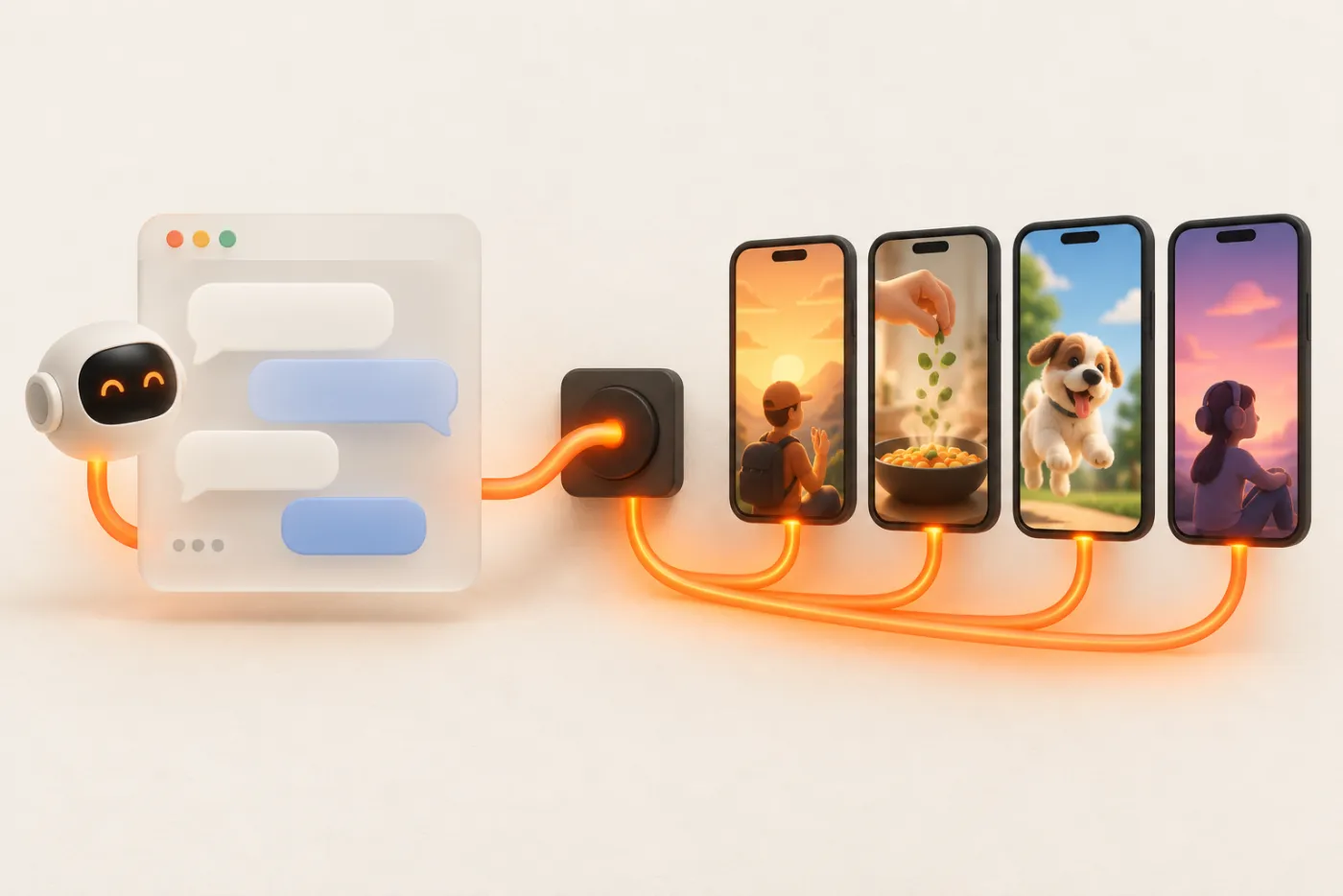
ChatGPT can connect to remote MCP servers. Point it at UGC API and it can publish and schedule to the TikTok, Instagram, Facebook and YouTube accounts you've connected, after you confirm the plan.
Updated
Connect
- In ChatGPT, open Settings → Apps & Connectors. Custom MCP connectors may need Developer mode turned on under Advanced, depending on your plan and workspace settings.
- Create a connector with the URL
https://ugcapi.dev/mcp. Authentication is OAuth; ChatGPT registers itself. - Sign in with your UGC API email code and press Allow.
- Start a chat, enable the connector from the tools menu and ask what accounts you have.
What ChatGPT can do with it
- Publish now or later: one video to TikTok, Instagram Reels, Facebook Reels and YouTube Shorts; one slideshow as a TikTok photo post, an Instagram carousel and Story frames.
- Plan campaigns: many posts over many accounts on a cadence, previewed first. See campaigns.
- Onboard creators: generate a connect link per creator, no passwords shared.
- Report: published, failed and scheduled counts, error reasons, and views and likes from TikTok and Instagram.
Prompts that work well
- “Here are 9 slide image URLs. Make three 3-slide carousels with captions in our brand voice, then post them to @brand on Instagram Mon/Wed/Fri at 12:00 London. Preview first.”
- “Turn this TikTok script into a caption and hashtags, then schedule hook-12.mp4 to both TikTok accounts tomorrow at 9am, privacy public.”
- “List anything that failed in the last 7 days, grouped by error.”
Building on the OpenAI API instead
If you're building your own GPT-powered agent rather than chatting, call our REST API as a function tool with an API key. That works headless, with no sign-in screen, and you keep full control of when posts go out. The agent frameworks page has tool definitions you can paste into the OpenAI Agents SDK.
FAQ
Is UGC API in the ChatGPT app directory?
Add it as a custom connector with the server URL today. Directory listings depend on OpenAI's review.
Can ChatGPT upload a video I attach?
No. The connector needs a public https URL. Upload in the dashboard composer or host the file and paste the link.
Does ChatGPT see my creators' passwords?
No. Creators connect through each platform's own login. ChatGPT only sees account ids, usernames and post results.