How to schedule Instagram posts from ChatGPT
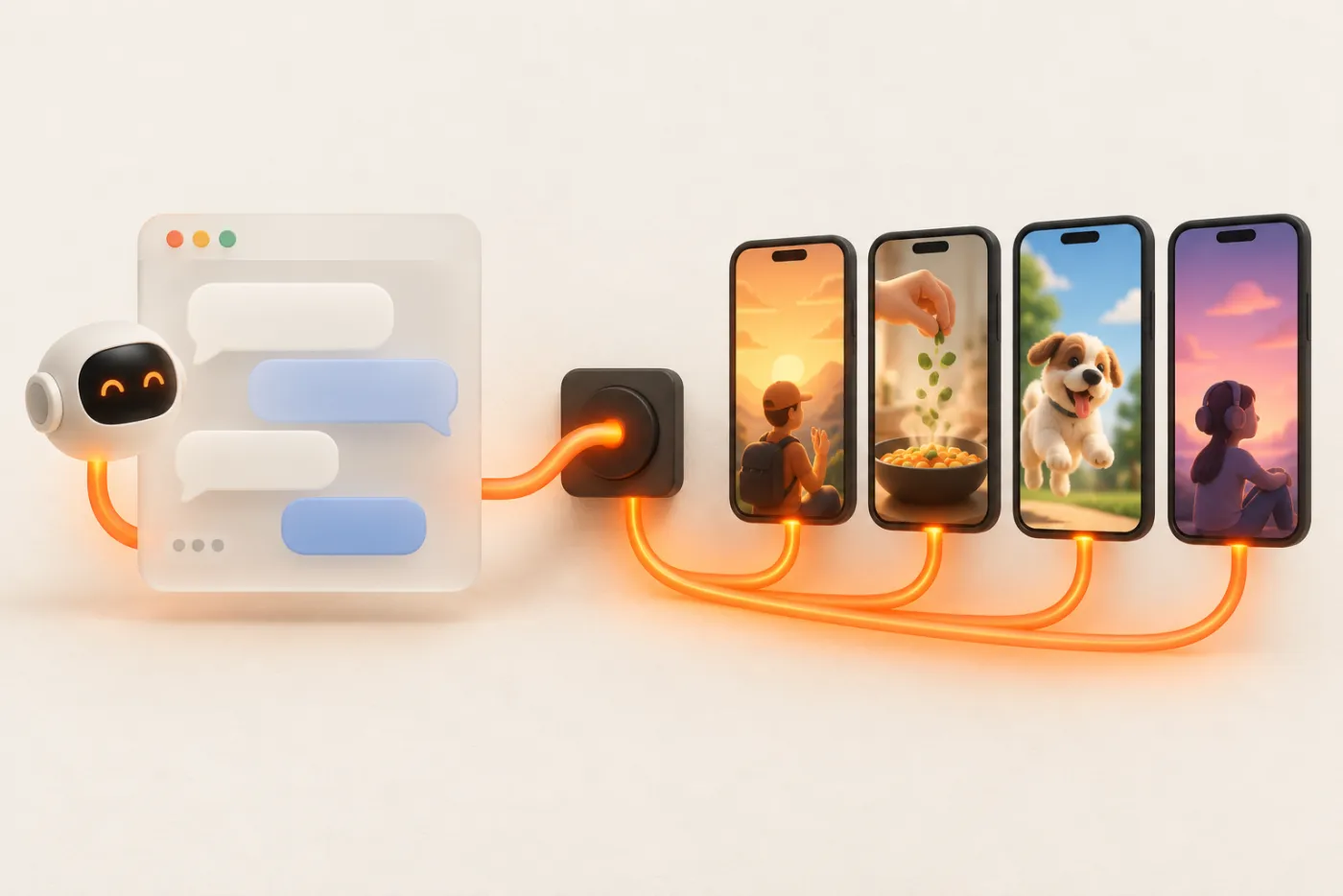
ChatGPT is already where many teams write captions. With a custom connector to UGC API, it can also schedule the post: a Reel, a carousel with Story frames, or a month of content across several accounts.
Updated
Before you start
- A UGC API account (signing in through ChatGPT creates one, with 50 free posts).
- An Instagram Business or Creator account. Personal Instagram accounts can't be posted to through Meta's API.
- Your media at public https URLs. ChatGPT can't hand an uploaded file to a connector tool; host the file or upload it in the UGC API dashboard and copy the link.
Add UGC API as a connector
- In ChatGPT, open Settings and find the connectors (or apps) section. Turn on developer mode if your plan requires it for custom connectors.
- Create a new connector. Name: UGC API. MCP server URL:
https://ugcapi.dev/mcp. Authentication: OAuth. - ChatGPT registers itself with UGC API and opens our sign-in. Enter your email, type the code, and click Allow.
- In a new chat, enable the UGC API connector from the tools menu.
Connect Instagram
Ask: "Create a link to connect my Instagram." Open the link, log in with Facebook or Instagram, and approve the permissions for your Business or Creator account. Ask "List my accounts" to confirm it's there. You can connect TikTok, Facebook Pages and YouTube the same way.
Schedule a Reel
"Schedule https://cdn.example.com/reel-14.mp4 as an Instagram Reel on @brand.daily for Thursday 6pm Los Angeles. Also share it to my Story. Write a caption in our usual tone: short, a question at the end, 3 hashtags."
ChatGPT writes the caption, shows you the plan, and calls publish_post with format video and the Instagram Story option on when you confirm. Each placement is a credit: the Reel plus a Story is 2.
Schedule a carousel with Story frames
Send image URLs in order: "Post these 6 images as an Instagram carousel tomorrow at 9am, and put each image in the Story too." UGC API crops carousel images to 4:5 for the grid and makes 9:16 Story frames. With story_slides: "all", that's 1 carousel + 6 Story frames = 7 credits. Add "also as a TikTok photo post" and the same images go to TikTok with auto music.
Plan a month in one message
Paste a list of 30 video URLs and captions (or a link to a sheet ChatGPT can read), then: "Spread these across @brand.daily and @brand.deals, two posts a day per account at 11:00 and 19:00 Los Angeles, starting next Monday. Preview first."
ChatGPT calls preview_campaign, which returns every post's account and time plus the credits needed, without creating anything. Read it, adjust ("skip Sundays", "start with the product videos"), then say go. create_campaign schedules it and reserves the credits. See campaigns for how spreading works.
Check and fix
| Ask | What it does |
|---|---|
| "What's going out this week?" | Lists upcoming posts with list_posts |
| "Did Thursday's Reel publish? Send me the link." | get_post returns the public URL |
| "How did last week's Reels do?" | get_stats with views, likes and saves from Instagram insights |
| "Move Friday's post to Saturday." | Cancels it (refunded) and schedules a new one |
| "Stop the campaign." | cancel_campaign cancels what hasn't gone out and refunds it |
Captions that ChatGPT writes well
ChatGPT will happily write a caption for every post, but generic AI captions perform badly on Instagram. Give it rules once at the top of the chat or in a project: your brand voice in two sentences, two captions that did well, words you never use, and a hashtag list to pick from. Ask for the caption to start with the hook from the video's first second, so the caption and the video say the same thing. For Reels, keep the first line under about 125 characters so it isn't cut off behind "more".
For a carousel, ask ChatGPT to write the caption around the last slide, which is usually the payoff or call to action. For Story frames, the caption isn't shown, so put any text on the image itself before you upload it.
Working with a team
Everyone on your team can connect ChatGPT to the same UGC API workspace with their own sign-in. They share the connected Instagram and TikTok accounts, the credits and the post history, so one person can plan the week and another can check results. Seats are free. Remove a teammate in the dashboard and their assistant loses access too.
Instagram limits to know
- Meta caps API-published posts per Instagram account over a rolling 24 hours. Spreading 1–3 posts a day per account stays well clear of it. See limits.
- Reels are vertical video; 9:16 looks best. See formats and options for the details we check before sending.
- Carousels take 2 to 20 images, cropped to 4:5. Stories are posted one frame at a time and expire after 24 hours like any Story.
Cross-posting the same content
Most Instagram content can go further. Ask ChatGPT to send a Reel to TikTok and YouTube Shorts in the same call, or a carousel to TikTok as a photo post with auto music. It's one publish_post with more accounts, and each account is one credit. If you post the same video to several accounts, space them out by a few hours or days rather than posting at the same minute; repurposing TikTok to Reels and Shorts covers what to change per platform.
Building your own GPT-powered agent instead?
If you're building with the OpenAI API or Agents SDK rather than chatting in ChatGPT, call the REST API as a function tool with your API key. See agent frameworks and letting an agent post safely.
FAQ
Can ChatGPT post to Instagram directly?
Not on its own. It needs a connector to a service that holds an approved Instagram publishing integration. UGC API's MCP server is one.
Do I need a paid ChatGPT plan?
Custom MCP connectors have only been available on some plans, sometimes behind developer mode. Check what your plan offers today.
Can it post to a personal Instagram account?
No. Meta's publishing API works with Instagram Business and Creator accounts. Switching is free in the Instagram app.
What does it cost?
One credit per post per account or Story frame, $10 per 1,000, with 50 free. ChatGPT itself is billed by OpenAI.